
Codewise
Learn to code with real challenges that run on your iPhone, iPad, and Mac. One purchase, no subscription.

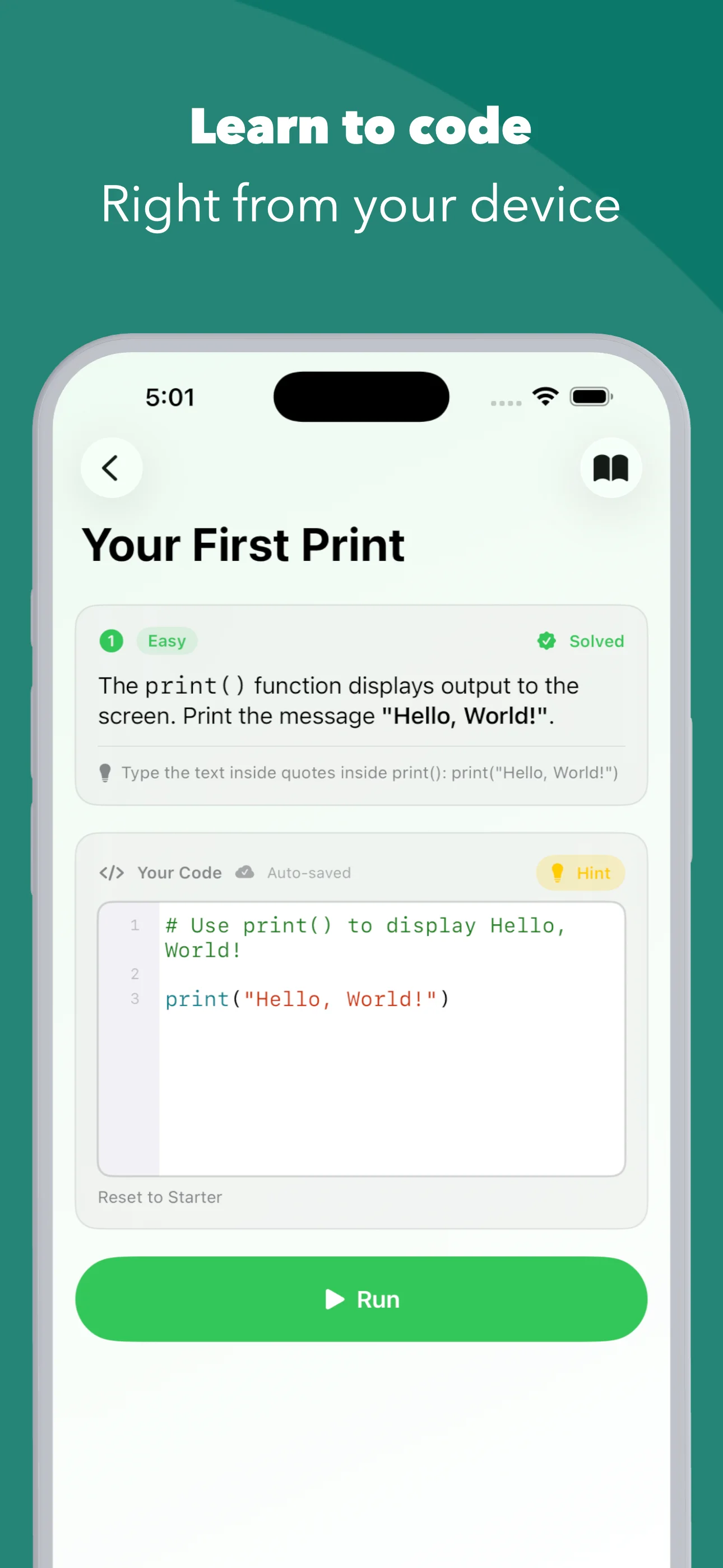
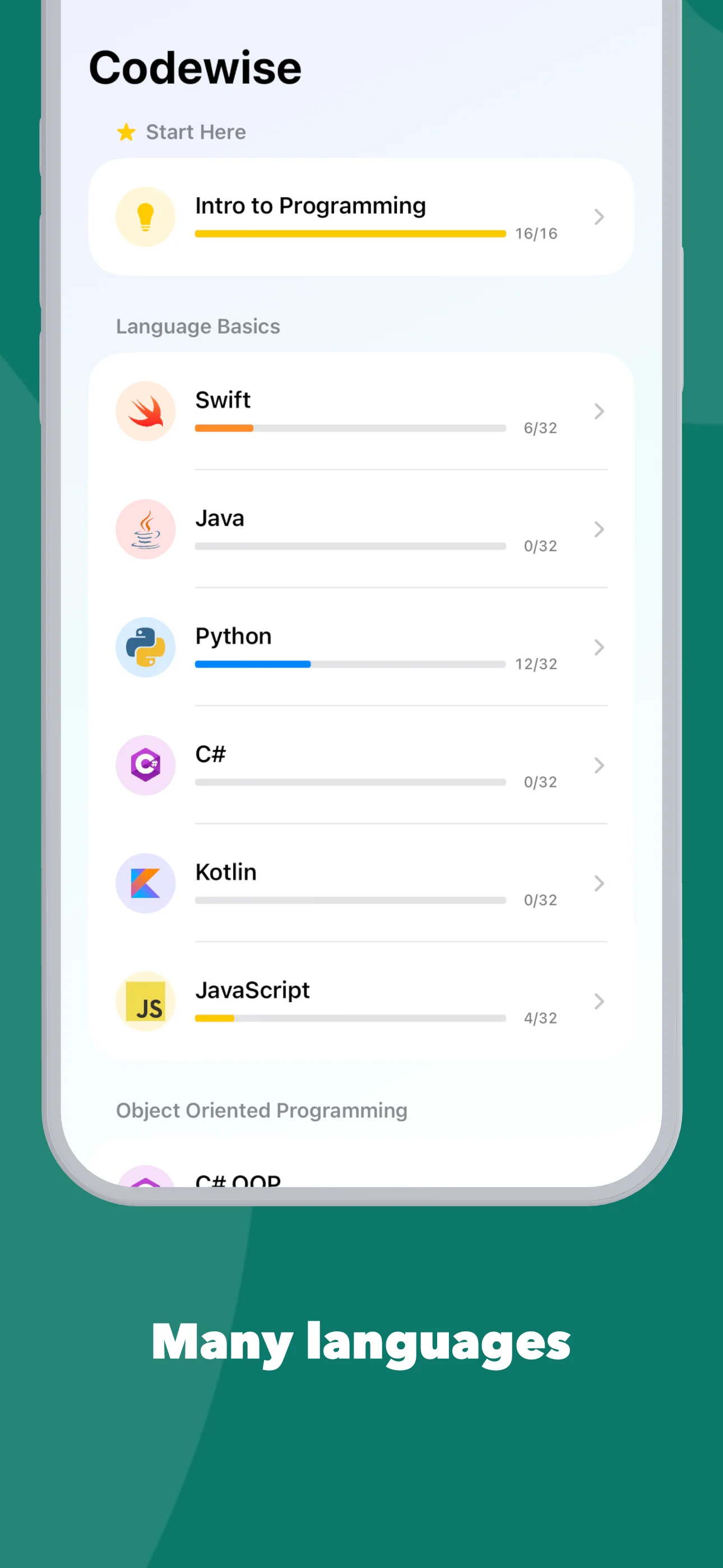
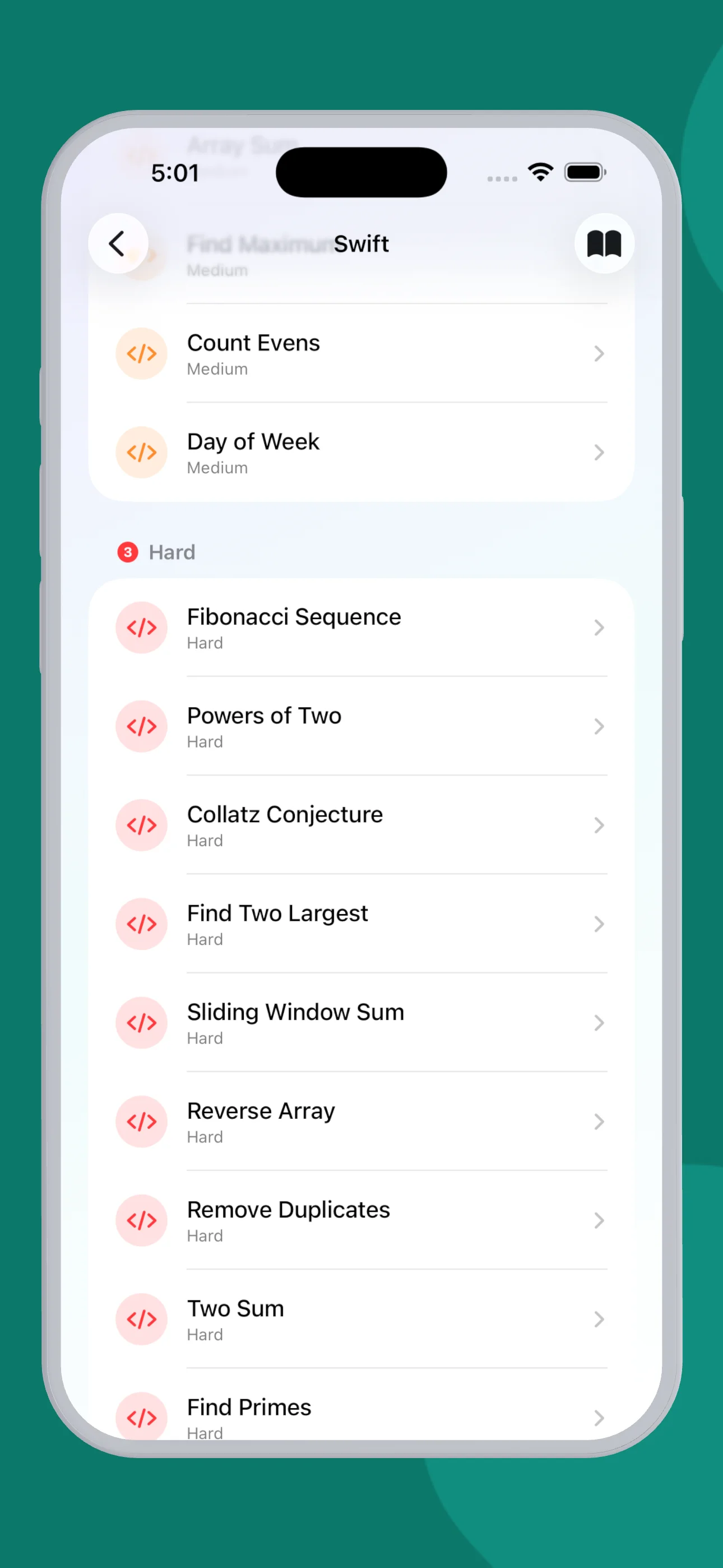
Pick a language, write real code in the built-in editor, and see the output instantly. Swift, Python, JavaScript, Java, Kotlin, C#, and now SQL, all executed by interpreters built into the app. No video lectures, no server, no account.
- One-time purchaseNo subscription, no in-app purchases, no ads
- Works fully offlineEvery interpreter runs on your device
- No account neededOpen the app and start coding
- iPhone, iPad, and MacUniversal purchase, native on all three
- 7 languagesAbout 30 challenges each, Easy to Hard
See it in action
Screenshots
What you'll learn
Every language track follows the same progression, so once you know one language the next one comes faster. You type real code for every challenge. Nothing is multiple choice.
Swift
let and var, Int, String, and Bool, if and switch, for-in loops over ranges and arrays, while loops, arrays, and string interpolation. Runs on device with no Xcode required.
Python
Variables and types, if/elif/else and match/case, for loops with range(), while loops, lists, f-strings, and type conversion. See the Python track.
JavaScript
let, const, and var, types and typeof, if and switch, for, for-of, and while loops, arrays, and type conversion with Number and String.
Java
Typed variables, if and switch, for, enhanced for, and while loops, int arrays, increment and compound operators, and printing with System.out.
Kotlin
val and var, types, if and when, ranges with .., until, and downTo, while loops, arrays and lists.
C#
Variables and types, if, switch, and the ternary operator, loops, arrays, string methods, and string interpolation. A separate Object-Oriented Programming module covers classes with fields, constructors, and methods.
C# Functional Programming New in 1.3
Lambdas stored in Func and Action variables, and LINQ method chains on arrays: Where, Select, OrderBy, Take, Sum, Aggregate, and more.
SQL / PostgreSQL
Creating tables and inserting rows, SELECT and WHERE, sorting with ORDER BY, aggregates with COUNT, SUM, and GROUP BY, JOINs across tables, UPDATE and DELETE. Powered by an in-memory SQL engine that runs on device.
Intro to Programming
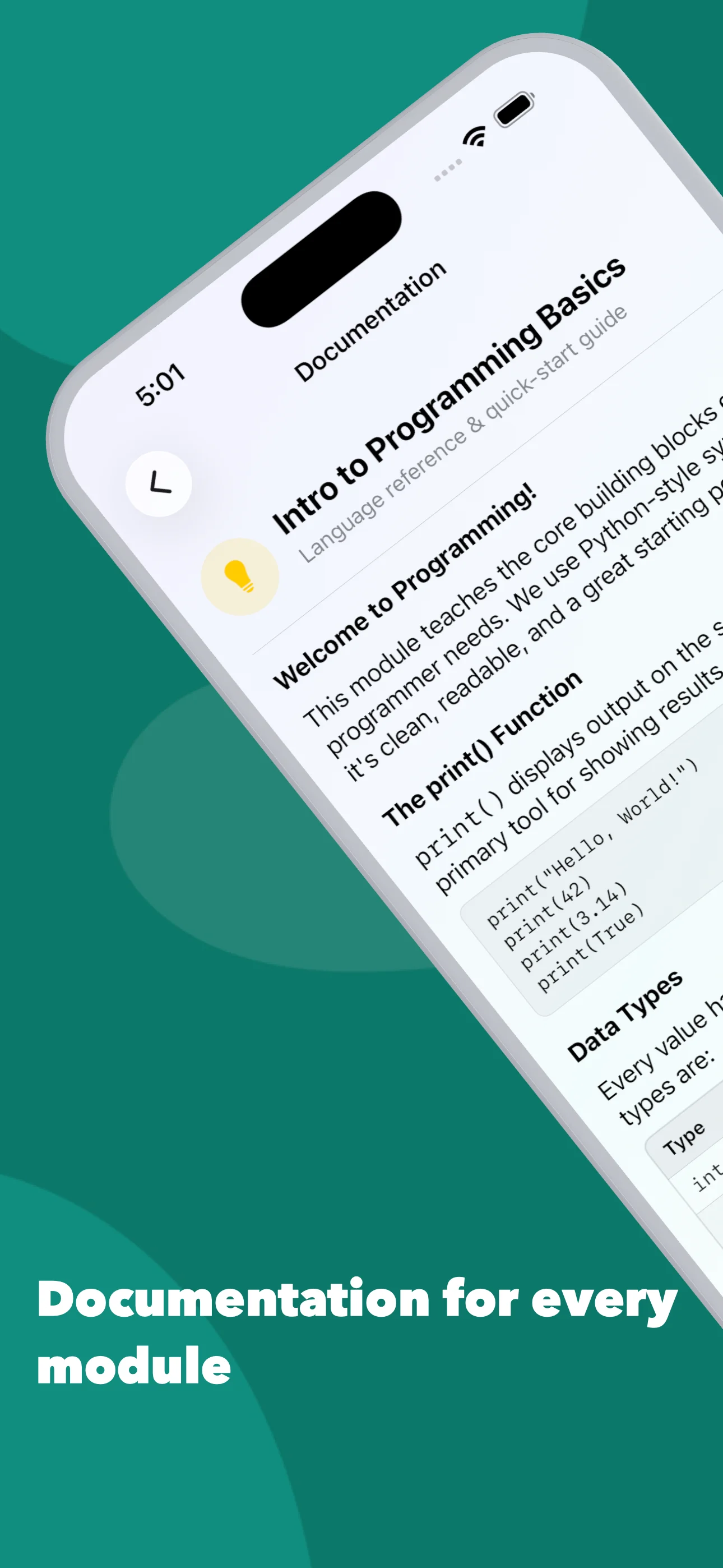
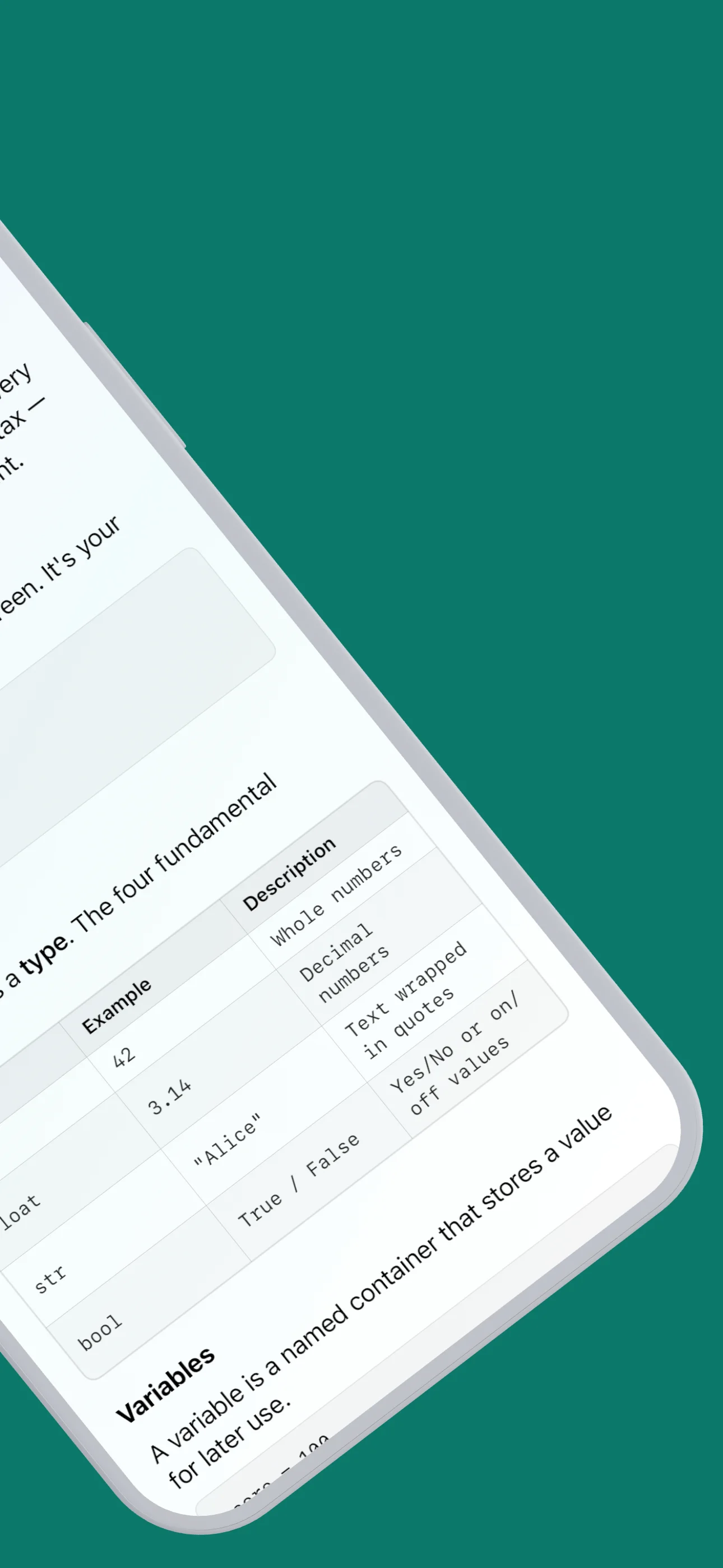
A gentle first module for people who have never written code: printing, variables, text and numbers, and converting between types.
Codewise vs Mimo vs SoloLearn
Most coding apps are free to download and then ask for a monthly subscription to keep learning. Codewise is built differently: pay once, own it, and learn at whatever pace suits you.
| Codewise | Mimo | SoloLearn | |
|---|---|---|---|
| How you pay | One-time purchase, no in-app purchases | Free download with in-app purchases | Free download with in-app purchases |
| Listed price | 7.99 USD once, for iPhone, iPad, and Mac | Pro yearly plans listed at 79.99 to 99.99 USD on the App Store, as of September 2026 | Pro plans listed at 6.99 USD a month to 79.99 USD a year on the App Store, as of September 2026 |
Prices are the in-app purchase amounts shown on each app's US App Store listing as of September 2026. They change, so check each listing for what is current. Codewise is made by ElevenSeventy. Codewise itself needs no account, runs every challenge on your device with no connection, and is a native app on iPhone, iPad, and Mac.
Frequently asked questions
Is Codewise a subscription?
No. Codewise is a one-time purchase on the App Store. There is no subscription, no in-app purchases, and no ads. Buy it once and it works on iPhone, iPad, and Mac through universal purchase.
Does Codewise work offline?
Yes. Every language interpreter is built into the app, so challenges, code execution, and documentation all work with no internet connection. Nothing is sent to a server.
Which programming languages does Codewise teach?
Swift, Python, JavaScript, Java, Kotlin, C#, and SQL (PostgreSQL), plus an Intro to Programming module for complete beginners and Object-Oriented and Functional Programming modules for C#. Each language has around 30 challenges across Easy, Medium, and Hard, more than 280 in total.
Does Codewise run on Mac?
Yes. Codewise is a native Mac app as well as an iPhone and iPad app, and it is a universal purchase, so one purchase covers all three. Your challenge progress is tracked on each device.
Is Codewise for complete beginners?
Yes. The Intro to Programming module assumes no prior experience, and every language track starts with Easy challenges on variables and printing before moving to conditionals, loops, and arrays or lists. Each challenge includes a hint, starter code, and built-in documentation.
Do I need an account to use Codewise?
No. There is no sign-up, login, or email required. Your code and progress are saved on your device.
Can I actually run code in Codewise?
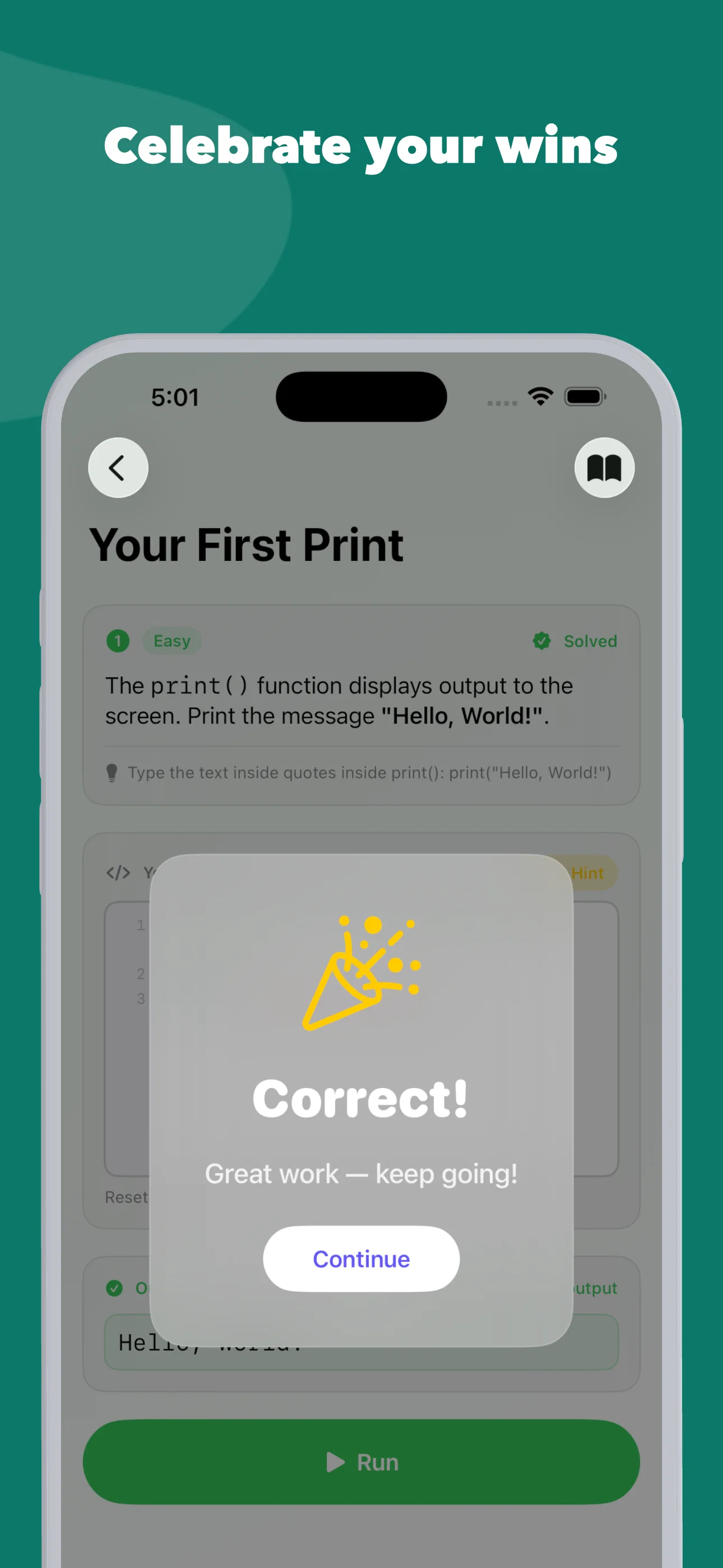
Yes. Codewise includes its own interpreter for each language, written specifically for the app, so your code executes on your device and you see real output instantly. Challenges are checked against expected output, and many include multiple test cases.
Start with one challenge tonight
Buy it once. Learn Python, Swift, JavaScript, Java, Kotlin, C#, and SQL on any of your Apple devices, online or off.