
Learn Python with Codewise
32 Python challenges you type and run on your iPhone, iPad, or Mac. One purchase, no subscription.

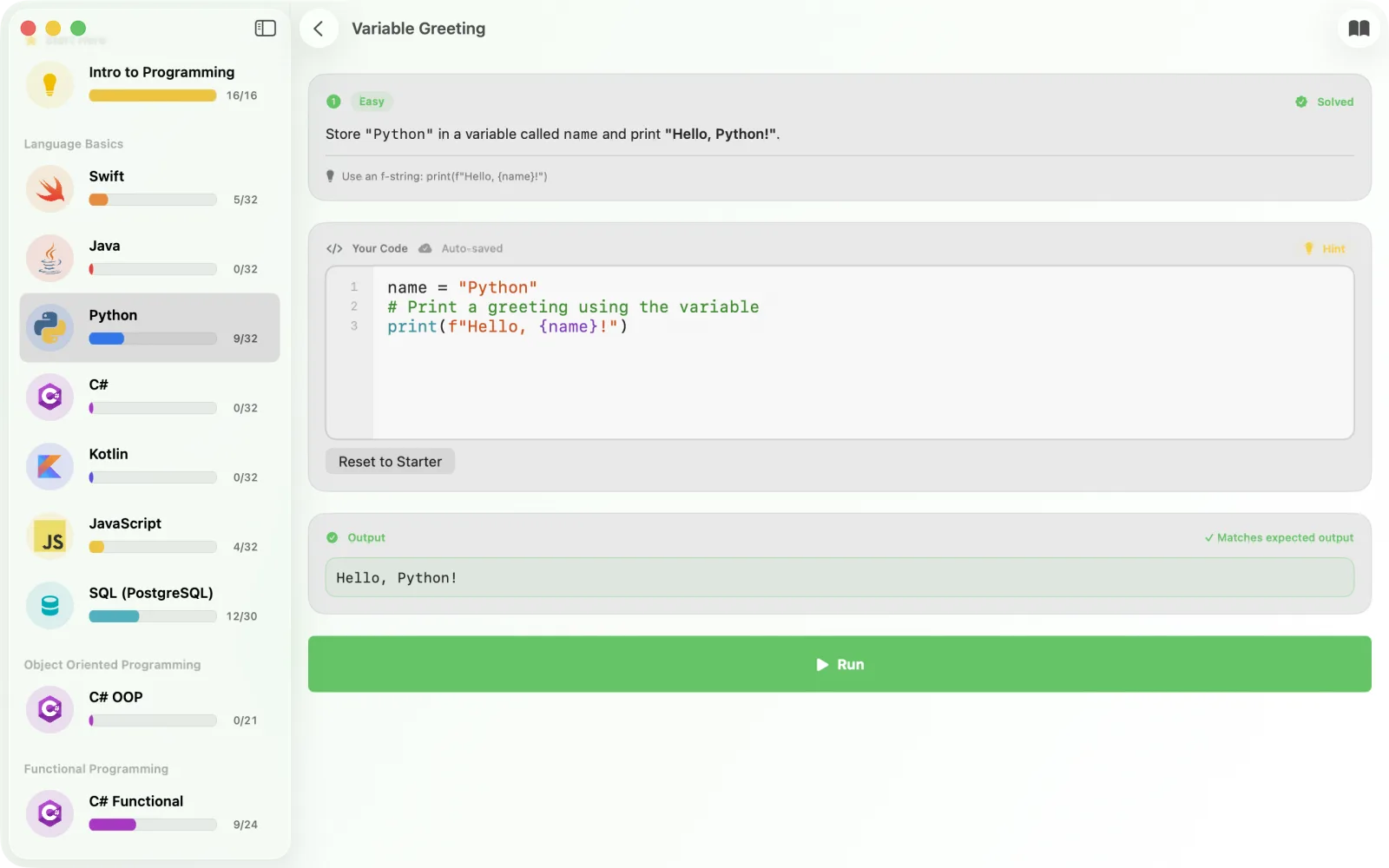
Each challenge gives you a prompt, starter code, and an expected output. You write Python in the built-in editor, press Run, and the Python interpreter inside the app executes it on your device. No video lectures, no multiple choice, no server.
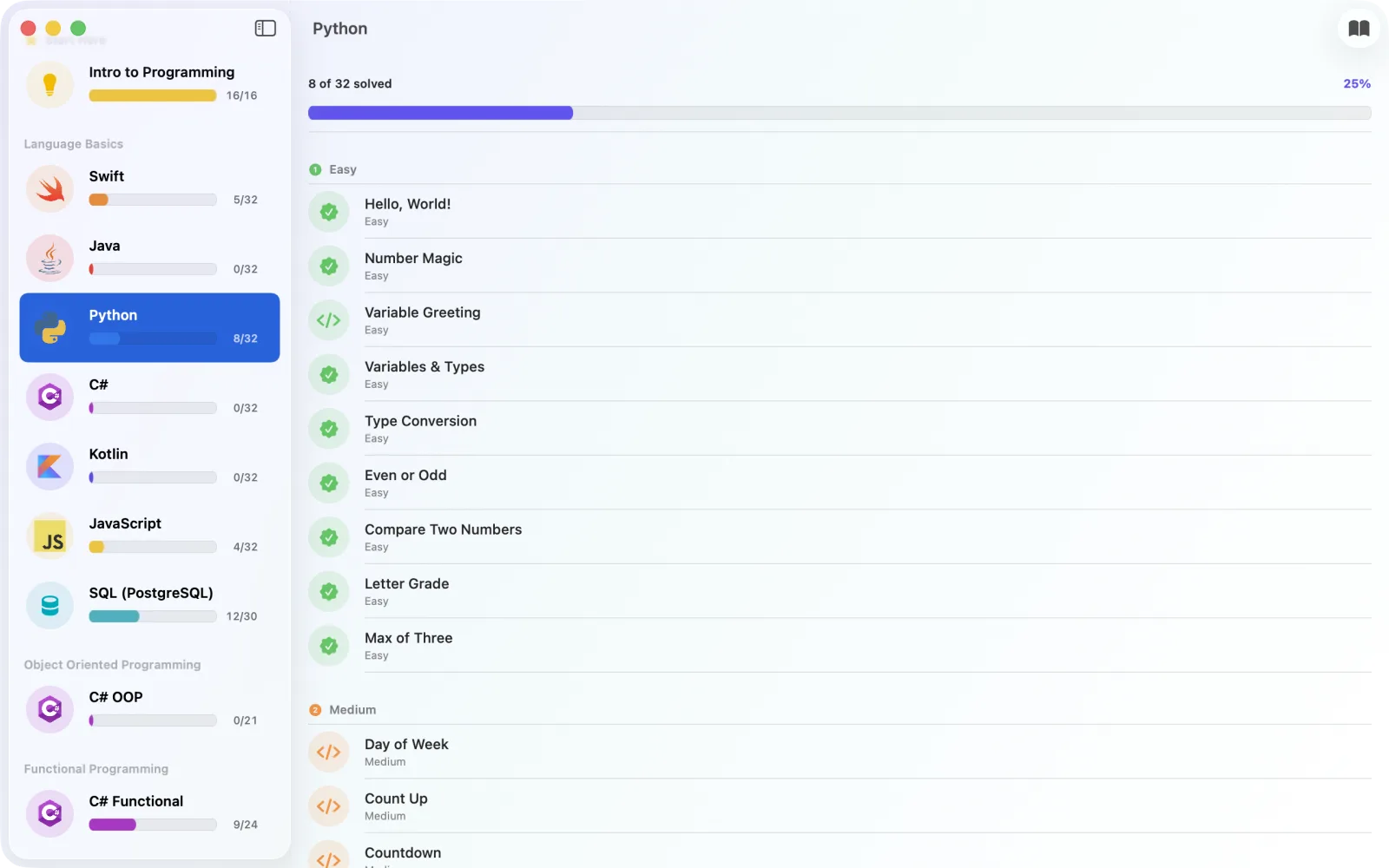
- 32 Python challenges9 Easy, 9 Medium, 14 Hard
- Runs on your deviceThe interpreter is built in, so it works offline
- One-time purchaseNo subscription, no in-app purchases, no ads
- No account neededOpen the app and start coding
- iPhone, iPad, and MacUniversal purchase, native on all three
Screenshots
What the Python track covers
The track runs from your first print() to small list algorithms. You type every answer, run it, and the app checks your output against the expected output. A short Python reference is built into the app.
Printing and variables
print(), variables, and the four basic types: int, float, str, and bool. F-strings for building text, and int() and str() for converting between types. Challenges include Hello, World!, Variable Greeting, and Type Conversion.
Conditionals
if, elif, and else, comparison operators, and match with case. Challenges include Even or Odd, Letter Grade, Max of Three, and Day of Week.
Loops
for loops with range(), while loops, and running totals. Challenges include Count Up, Countdown, Multiplication Table, Factorial, FizzBuzz, and Fibonacci Sequence.
Lists
List literals, indexing, len(), append(), and looping over a list. Challenges include Sum of a List, Find Maximum, Build a List, Reverse a List, and Remove Duplicates.
Classic exercises
The Hard tier ends with well known exercises solved with nested loops: Two Sum, Sliding Window Sum, Merge Sorted Lists, Find Primes, Collatz Sequence, and a bubble sort.
One challenge, start to finish
This is Find Maximum, from the Hard tier. The prompt reads: given numbers = [3, 7, 2, 9, 1], find and print the largest number without using max().
Starter code
numbers = [3, 7, 2, 9, 1]
max_val = numbers[0]
# Write a loop to find the largest number

print(max_val)
One solution that passes
numbers = [3, 7, 2, 9, 1]
max_val = numbers[0]
for n in numbers:
    if n > max_val:
        max_val = n
print(max_val)
Press Run and the output panel shows 9. That matches the expected output, so the challenge is marked solved. If you get stuck, each challenge has a hint. Some challenges, such as Even or Odd and Letter Grade, run your code against several input values, so printing the answer directly does not pass.
Frequently asked questions
Can I really run Python on an iPhone?
Yes. Codewise includes a Python interpreter written for the app, so the code you type runs on your iPhone, iPad, or Mac and you see the output straight away. Nothing is sent to a server, and it works with no internet connection.
How many Python challenges are there?
32: 9 Easy, 9 Medium, and 14 Hard. Each one has a prompt, starter code, a hint, and an expected output to match.
What does the Python track not cover?
The built-in interpreter runs a beginner subset of Python. It does not run your own functions (def), classes, imports, dictionaries, list comprehensions, or string methods such as split() and upper(). The track is for the first stage of learning Python: variables, conditionals, loops, and lists. For anything past that you will want Python on a computer.
Do I need any coding experience?
No. The Python track starts with printing one line of text. If you have never written code at all, Codewise also has an Intro to Programming module that comes before the language tracks.
Is Codewise a subscription?
No. Codewise is a one-time purchase on the App Store, with no subscription, no in-app purchases, and no ads. The same purchase includes the Swift, JavaScript, Java, Kotlin, C#, and SQL tracks.
Does the Python track work on iPad and Mac?
Yes. Codewise is a native app on iPhone, iPad, and Mac, and it is a universal purchase, so one purchase covers all three.
Start with Hello, World!
Buy Codewise once and the Python track comes with every other language in the app, on all your Apple devices, online or off.